AgileFingers news archive
2026
Set typing exercise length or time
You can now decide how your typing exercise ends: by exercise length or by exercise time. This gives you more control over your typing practice, especially when you want to finish a set amount of text without being cut off by a timer.
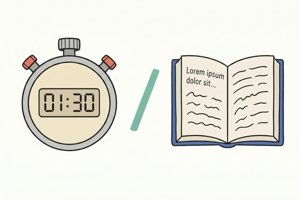
When you choose exercise length, AgileFingers shows how many characters you have already typed and how many are left.
You can choose the text length, just as you can choose the time limit. You can also turn on the adapt to your level option. Then AgileFingers adjusts the amount of text based on your recent results for that exercise. This means that faster typists may get a longer exercise, while slower typists may get a shorter one. For example, a "short text" may have 10 words for one person and 50 words for someone more advanced.
This option is available in most typing exercises.
Continue typing where you left off with bookmarks
You can now continue any typing text exactly where you stopped. AgileFingers adds a simple bookmark system that saves your progress automatically.

After you finish a text with acceptable accuracy, a bookmark icon appears next to it on the typing texts list. Click it to resume your typing practice from the exact point where you left off.
If you open the text normally, it starts from the beginning - useful when you want full touch typing practice again. Starting over will replace your current bookmark.
This works for both built-in and custom texts, helping you build consistent typing speed and accuracy without losing progress.